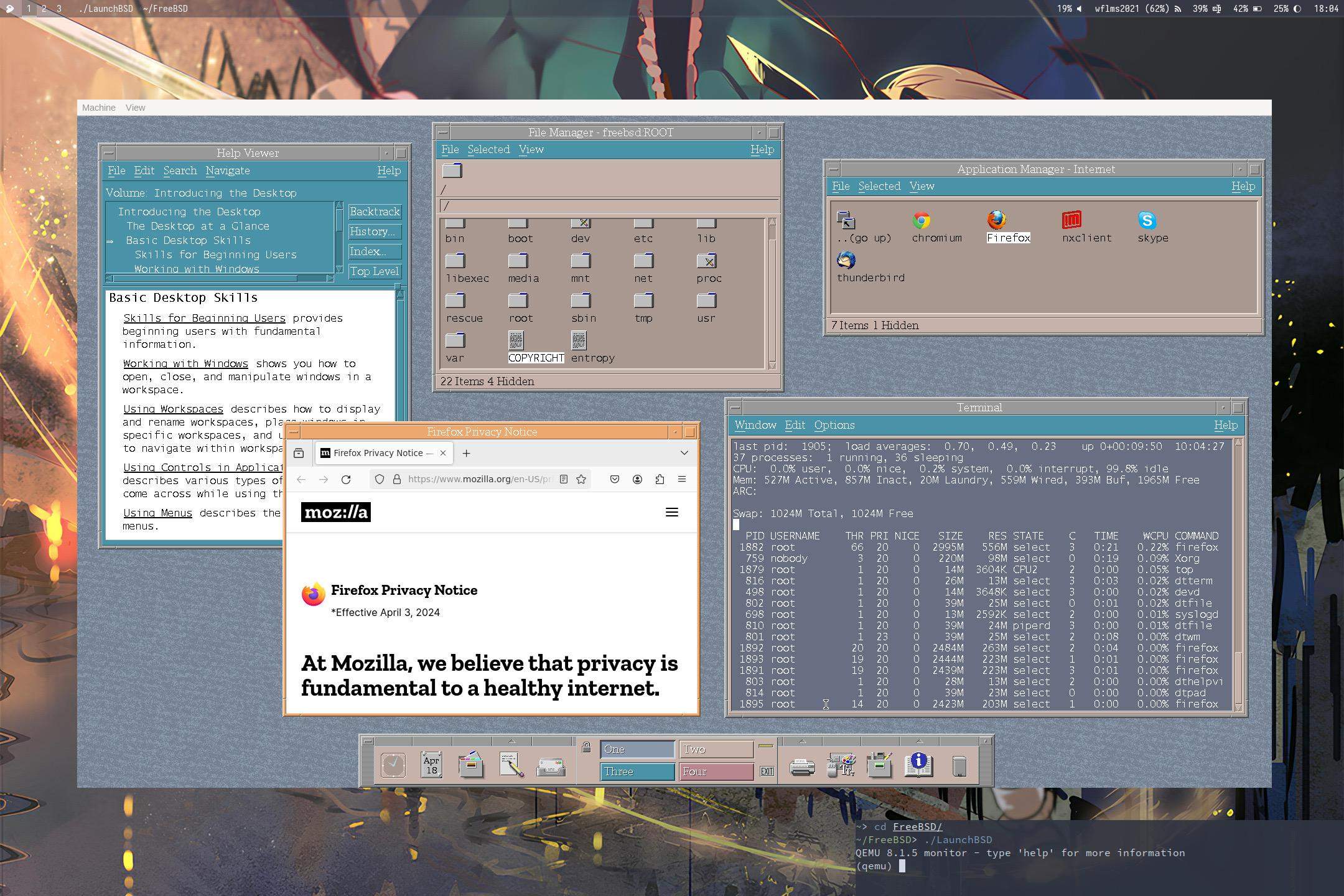
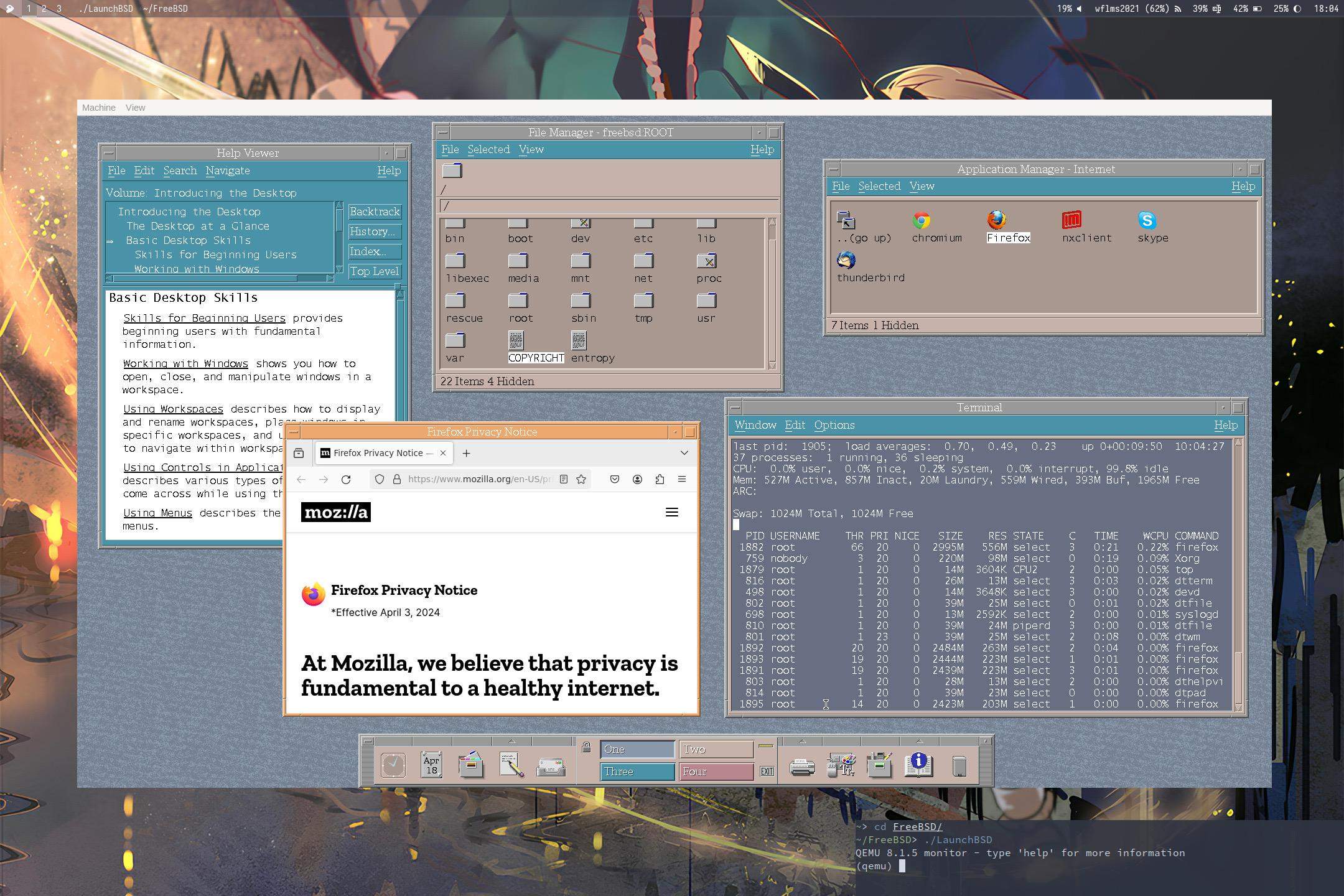
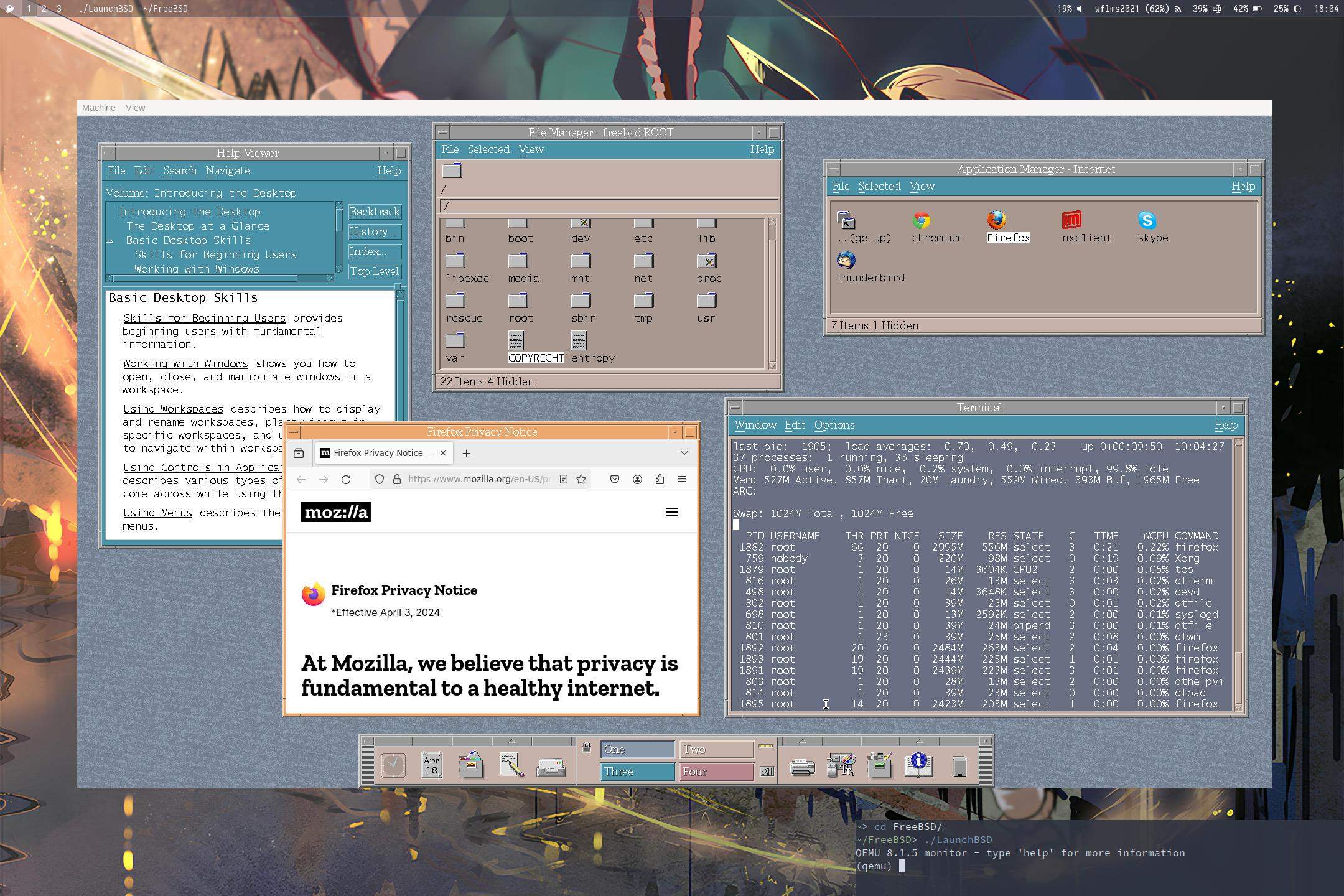
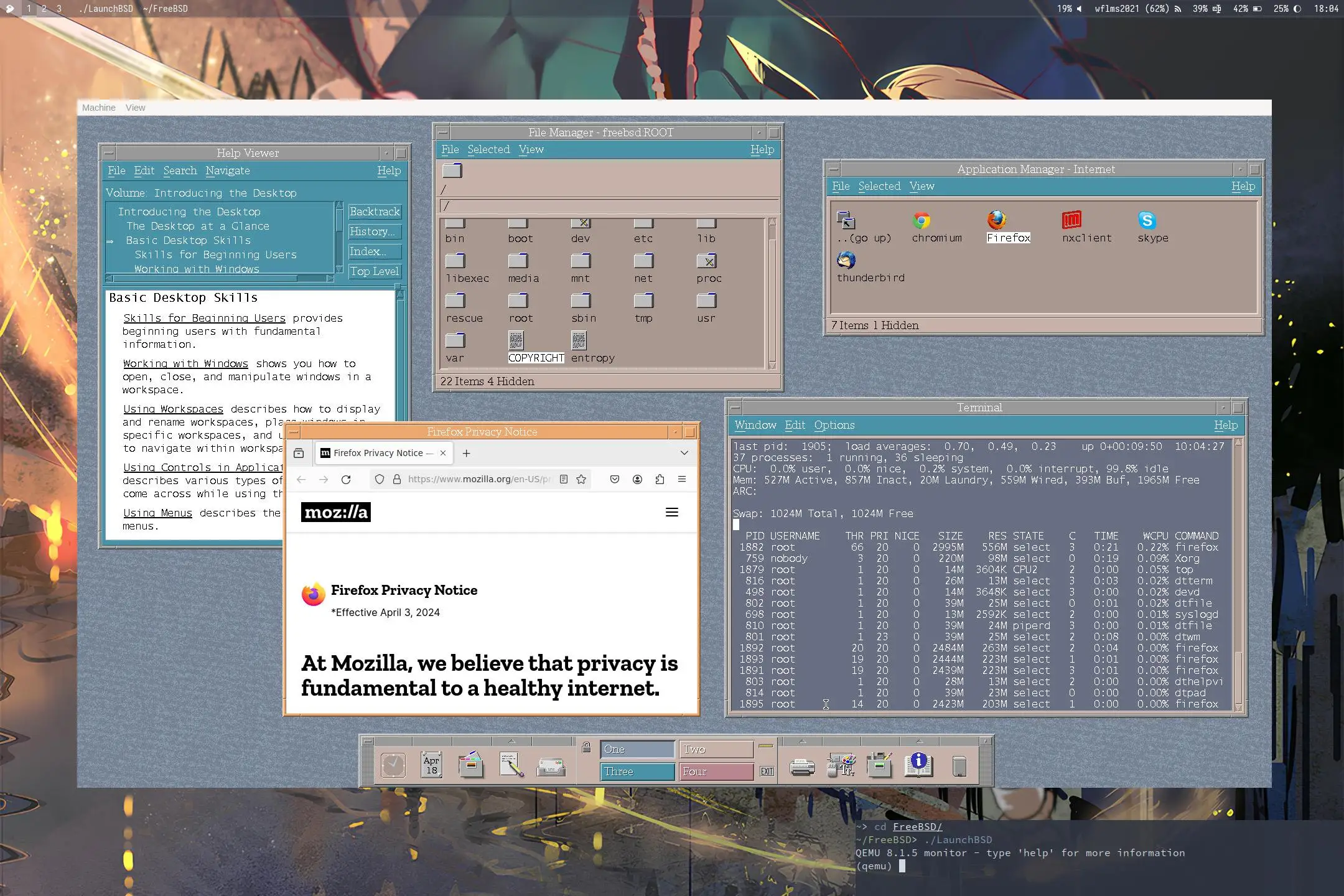
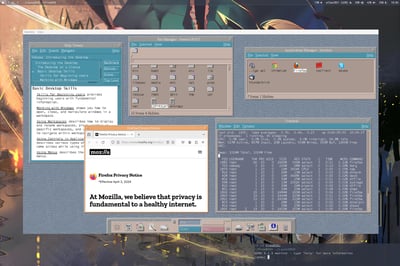
FreeBSD复古桌面虚拟机运行多窗口截图
文本内容
帮助查看器内容:
Volume: Introducing the Desktop
Introducing the Desktop
The Desktop at a Glance
Basic Desktop Skills
Skills for Beginning Users
Working with Windows
Basic Desktop Skills
Skills for Beginning Users provides beginning users with fundamental information.
Working with Windows shows you how to open, close, and manipulate windows in a workspace.
Using Workspaces describes how to display and rename workspaces, place windows in specific workspaces, and to navigate within workspaces
Using Controls in Applications describes various types of controls you come across while using the applications.
Using Menus describes the menus.
终端内容:
last pid: 1905; load averages: 0.70, 0.49, 0.23 up 0+00:09:50 10:04:27
37 processes: 1 running, 36 sleeping
CPU: 0.0% user, 0.0% nice, 0.2% system, 0.0% interrupt, 99.8% idle
Mem: 527M Active, 857M Inact, 20M Laundry, 559M Wired, 393M Buf, 1965M Free
ARC:
Swap: 1024M Total, 1024M Free
PID USERNAME THR PRI NICE SIZE RES STATE C TIME WCPU COMMAND
1882 root 66 20 0 2995M 556M select 0 0:21 0.22% FireFox
759 nobody 3 20 0 220M 98M select 0 0:19 0.09% Xorg
1879 root 1 20 0 14M 3604K CPU2 2 0:00 0.05% top
816 root 1 20 0 26M 13M select 3 0:03 0.02% dtterm
498 root 1 20 0 14M 3648K select 0 0:00 0.02% devd
802 root 1 20 0 39M 25M select 0 0:01 0.02% dtfile
698 root 1 20 0 13M 2592K select 2 0:00 0.01% syslogd
810 root 1 20 0 39M 24M piperd 3 0:00 0.01% dtfile
801 root 1 23 0 39M 25M select 2 0:08 0.00% dtwm
1892 root 20 20 0 2484M 263M select 2 0:04 0.00% firefox
1893 root 19 20 0 2444M 223M select 1 0:01 0.00% firefox
1891 root 19 20 0 2439M 223M select 3 0:01 0.00% firefox
803 root 1 20 0 28M 13M select 2 0:00 0.00% dthelplvi
814 root 1 20 0 39M 23M select 0 0:00 0.00% dtpad
1895 root 1 14 20 0 2423M 203M select 1 0:00 0.00% firefox
Firefox页面内容:
Firefox Privacy Notice
*Effective April 3, 2024
At Mozilla, we believe that privacy is fundamental to a healthy internet.
整体描述
这是一张在QEMU虚拟机中运行的FreeBSD系统的桌面截图,采用复古风格的窗口管理器,桌面上同时打开了多个功能窗口:
1. 帮助查看器:展示面向新用户的「基础桌面技能」入门指导内容,涵盖窗口操作、工作区使用等基础操作说明;
2. 文件管理器:呈现FreeBSD的根目录结构,包含bin、boot、dev等核心系统目录;
3. 互联网应用管理器:列出Chromium、Firefox、Skype等多款互联网类应用程序;
4. Firefox浏览器:打开Mozilla官方的隐私声明页面,显示2024年4月3日生效的隐私政策内容;
5. 终端窗口:输出系统资源使用情况,当前系统负载较低,CPU空闲率达99.8%,同时展示了运行中的进程列表,FireFox占用资源较多;
底部是带有「One/Two/Three/Four」工作区切换按钮的任务栏,桌面背景为动漫风格的壁纸,右下角终端提示显示当前系统运行在QEMU 8.1.5虚拟机中。
来源说明
该截图为用户在QEMU虚拟机中运行FreeBSD操作系统时的桌面实拍截图,FreeBSD是一款开源类UNIX操作系统,图中的复古桌面环境属于FreeBSD的经典桌面配置方案。这类系统展示截图通常由开源系统爱好者创作,常见于FreeBSD官方社区、Reddit的r/BSD板块、V2EX等技术交流平台,用于分享系统配置、展示开源系统的使用场景。